
Members in the access group selected in the Which Access Group Can View The Form Submissions and/or Which Access Group Can Manage the Form dropdowns in a form's setup will not get access to the Form Builder 2.0 in Member Management. They will instead see a link at the top of the form that they'll click to get to the form's submissions.
As an Admin, you'll need to provide them the form's URL or send them this link directly: https://vms.ajli.org/?nd=vms_form_list.
- To provide the link to the specific form, go to Admin >Member Management > Form Builder 2.0
- Click the eye icon on the form
- Copy the URL and share that with the group. They may bookmark it to keep it handy
- When they go to the form, those in the Which Access Group Can View The Form Submissions access group will see a "Group admin: Manage Forms" link at the top
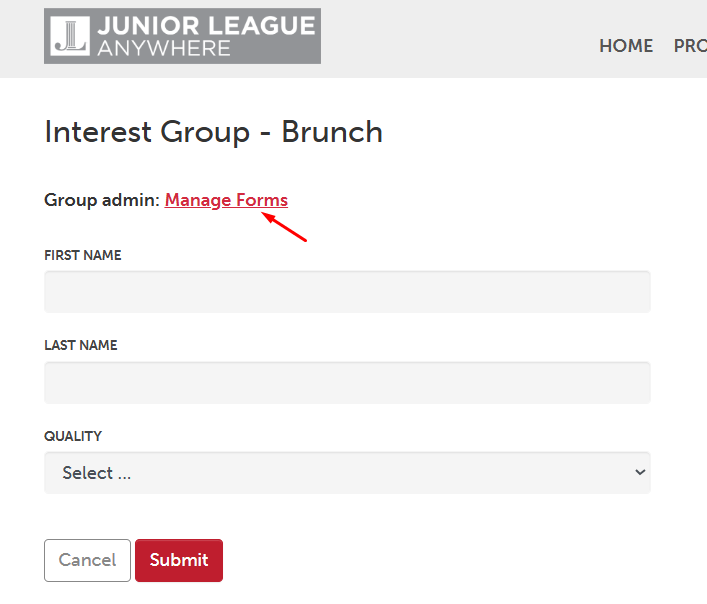
- Upon clicking the link, they'll see only the form(s) they have access to and be able to see entries for the form(s)