
When a Prospect fills out the first step to create their profile, they will receive an email to activate their account. 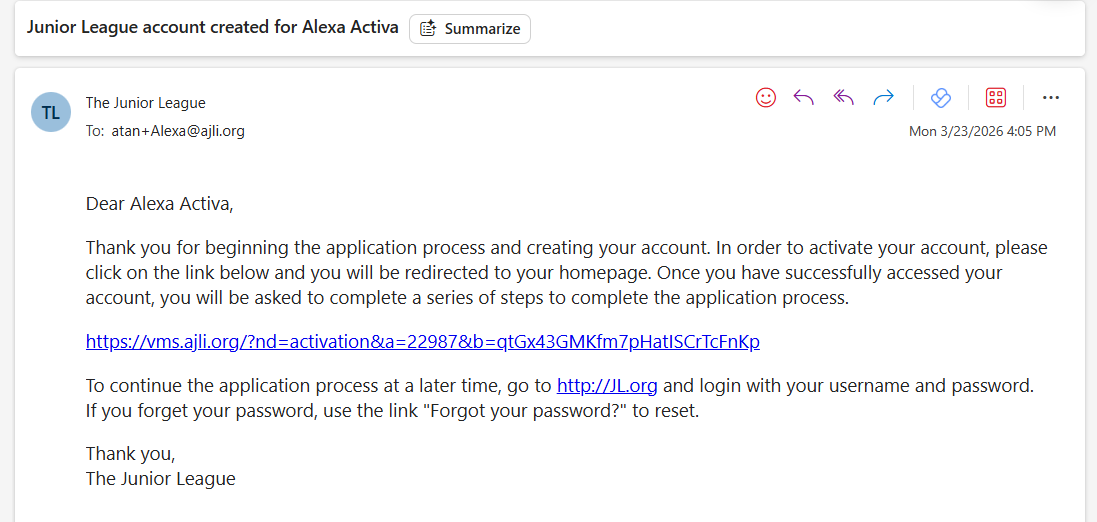
The link must be activated from their email to verify their account. After that link has been activated, they will appear in Intake Manager. To see a list of those who have not activated their account, you can check the Application Queue.
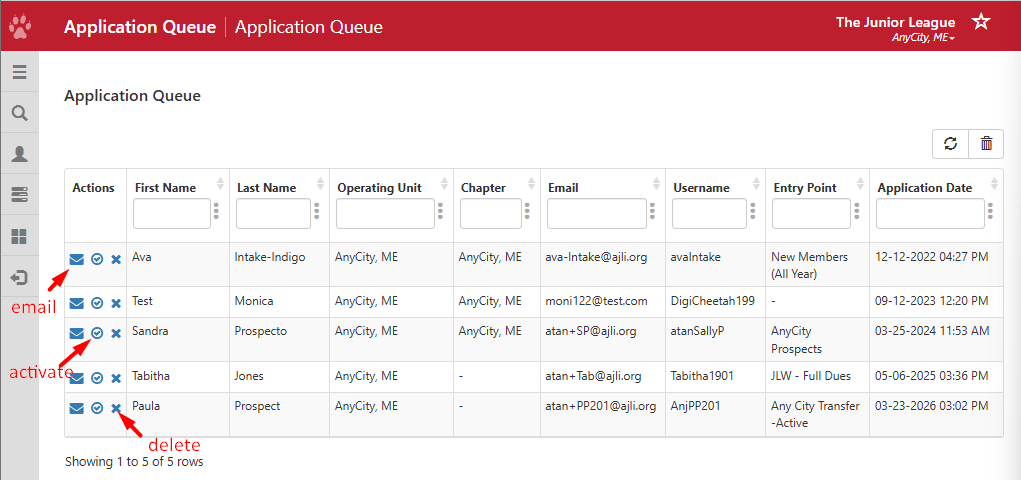
Below the Actions column, you will find the following:
- Email - Resends the activation email to Prospects
- Activate - Admins can activate the account for the Prospect
- Delete - Removes the account from the list and it can no longer be recovered.