
The League Profile in the JL Directory displays important information about your League, including general contact information, admissions requirements, service years to go Sustaining, and Member dues amounts. In addition information about your League's operations is also displayed in these reports:
- Community Impact
- Fund development
- Governance
- League Operations
- Marketing & Communications
- Membership
- Training

Your League is responsible for reviewing and updating all of these sections of its League Profile. Instructions for accessing and updating your League's Profile can be found below.
Where Is the JL Directory?
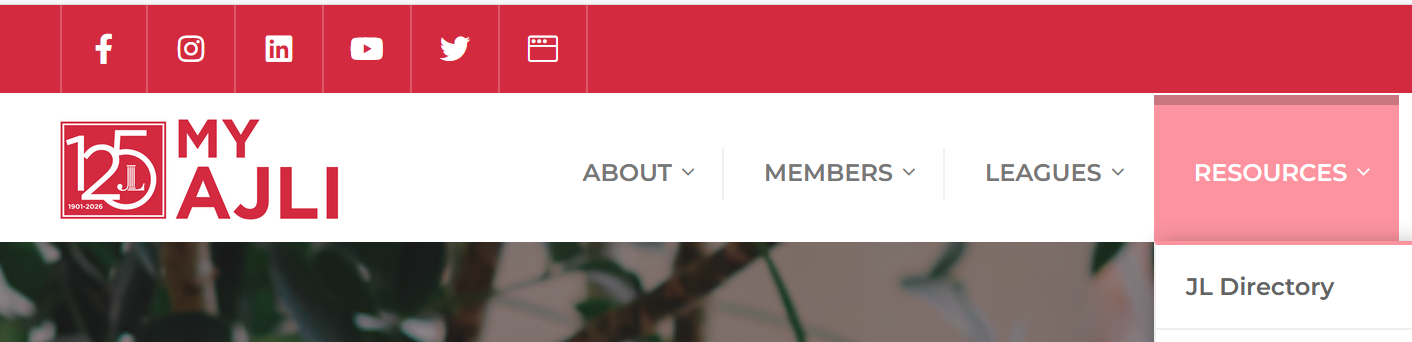
Login in to My AJLI (https://www.myajli.org/home/). Under the RESOURCES tab, select JL Directory.
INSTRUCTIONS FOR UPDATING YOUR LEAGUE PROFILE
HOW TO ACCESS Your LEAGUE ProFile ADMIN TOOL
Your League's President and President-Elect can assign permission to Members and League Staff to provide editing access to the JL Profile. With AJLI League Profile Admin access, Council VPs, Committee Chairs, and others may review and update their League's JL Profile sections.
Once having been assigned access to it, open the JL Profile admin tool:
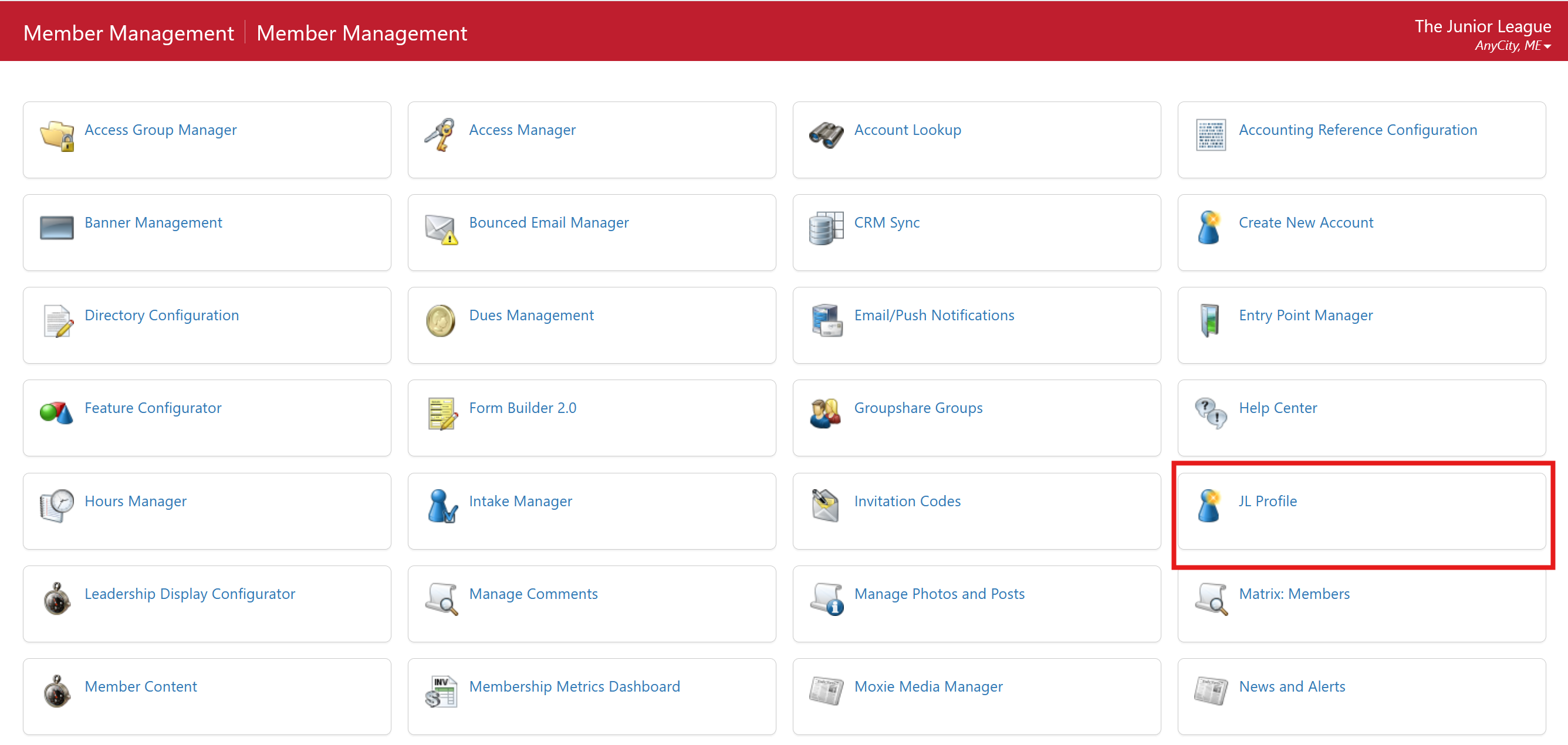
For Member Essentials Leagues:
- Hover over the Admin tab and select Member Management.
- On the next screen, select JL Profile from the tools listed:
For Leagues using Digital Cheetah:
Log on to your League's Digital Cheetah portal.
- Click on the JL Resources icon from the left sidebar.
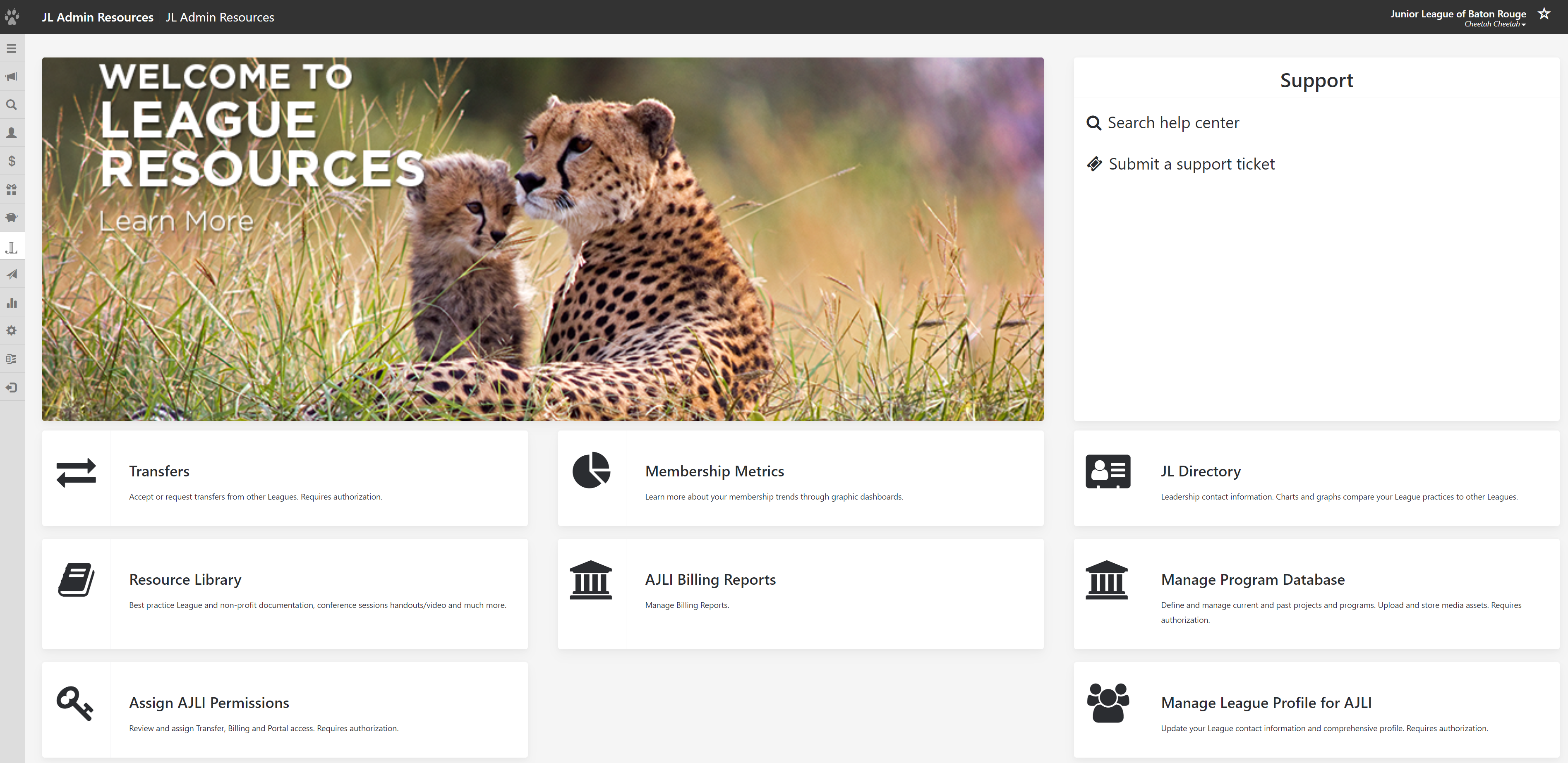
- Click on Manage League Profile for AJLI
HOW TO EDIT Your League's ProFile
Once in your League's JL Profile, you will see the different sections of the Profile, the last date on which they were edited, and by whom.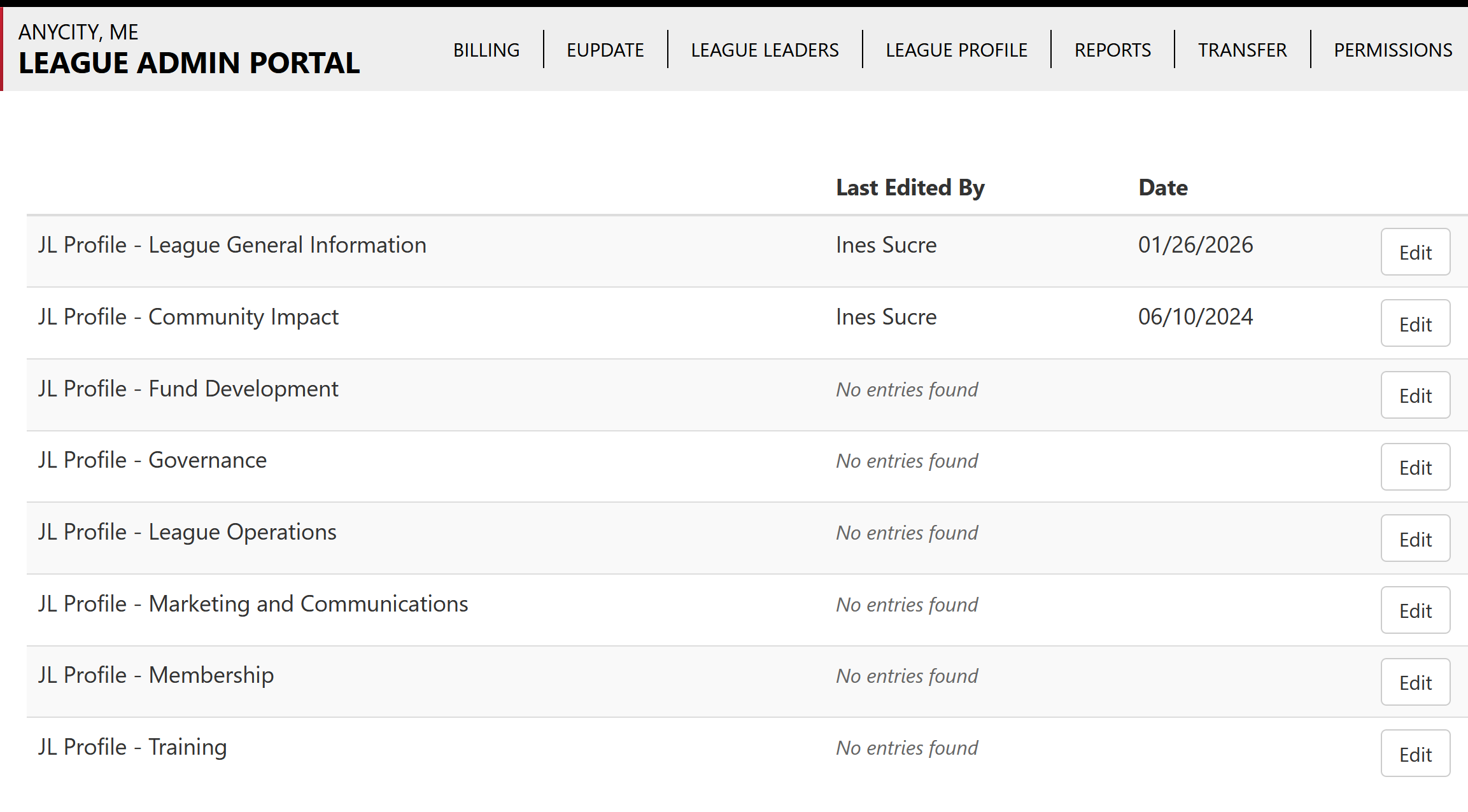
To make changes to the information in each section of the Profile:
- Click on the EDIT button to select the section of the JL Profile you will be reviewing and updating.
- Make the changes you need.
- Click UPDATE at the bottom of the JL Profile screen to save your work.